Free Online GLB File Viewer
Open .glb and .gltf files instantly in your browser — PBR textures render as authored, animations play inline, and Draco/KTX2 compressed files open too. Nothing is uploaded, nothing to install.
How to View a GLB File Online
Drop in your GLB file
Drag a .glb (or self-contained .gltf) onto the viewer, or click to browse. Draco-compressed meshes and KTX2 textures are decoded automatically — no settings to pick. Files up to 500 MB open locally in your browser.
Orbit, zoom, and play
Drag to orbit, scroll to zoom, right-drag to pan. If the file contains animation clips, they play inline — use the pause/play control at the bottom of the viewport to freeze on any frame.
Check materials, then export
Inspect PBR textures and materials under studio lighting before the file ships to a website, engine, or printer. Need another format? Convert GLB to STL, OBJ, FBX or USDZ in the Convert Studio.
What the GLB Viewer Renders: Textures, PBR, and Animations
A GLB viewer is only useful if it shows the file the way it will look in production. Every capability below runs locally in your browser.
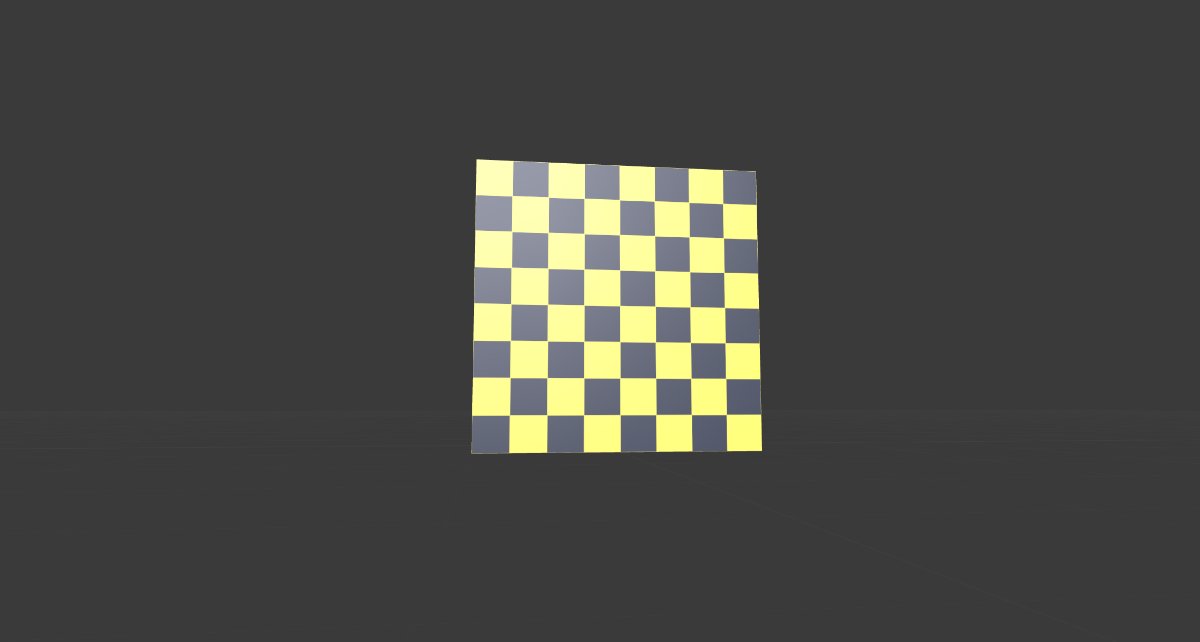

PBR materials and textures, rendered as authored
Base color, metallic-roughness and normal maps display under a studio HDR environment, so a model looks the way it will on a website or in a game engine — not as a flat gray placeholder. Textured exports from Blender, Substance Painter or an AI generator open with their materials intact.
Animations play inline
Embedded clips start playing the moment the file opens. The control at the bottom of the viewport names the active clip and pauses or resumes playback, so you can freeze on a pose and inspect the mesh from every angle.
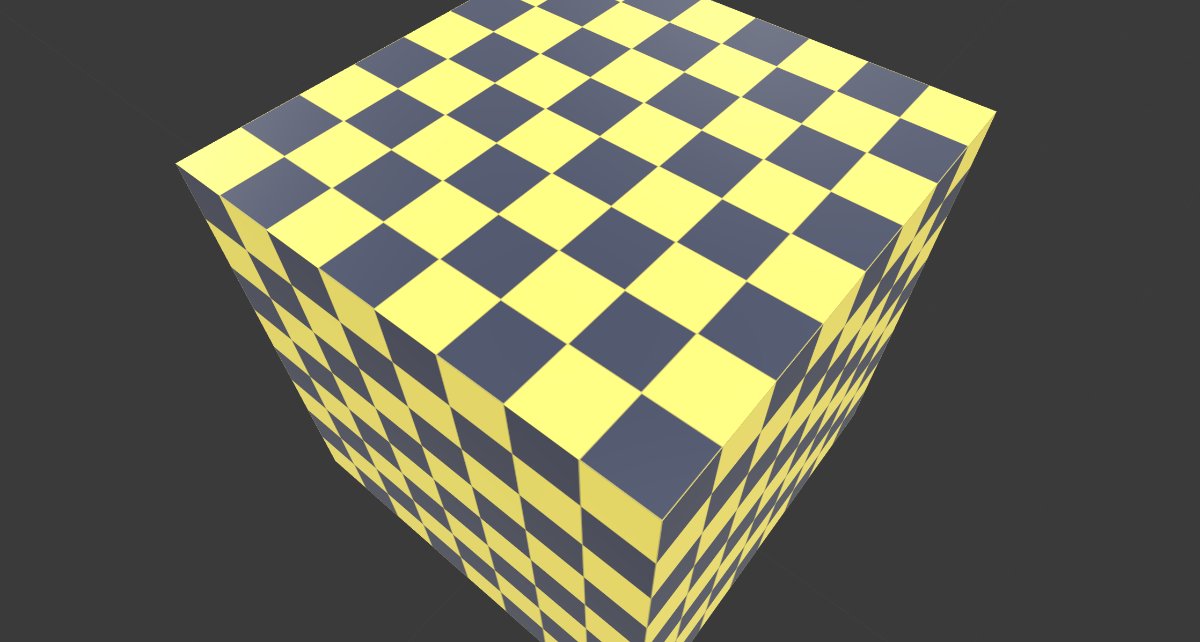
Compressed GLB files open too
Most AI 3D generators ship Draco-compressed meshes by default, and many web pipelines add KTX2 textures. Both decode locally in this viewer — the decoder files are bundled with the page, so compressed models open without any upload or plugin.
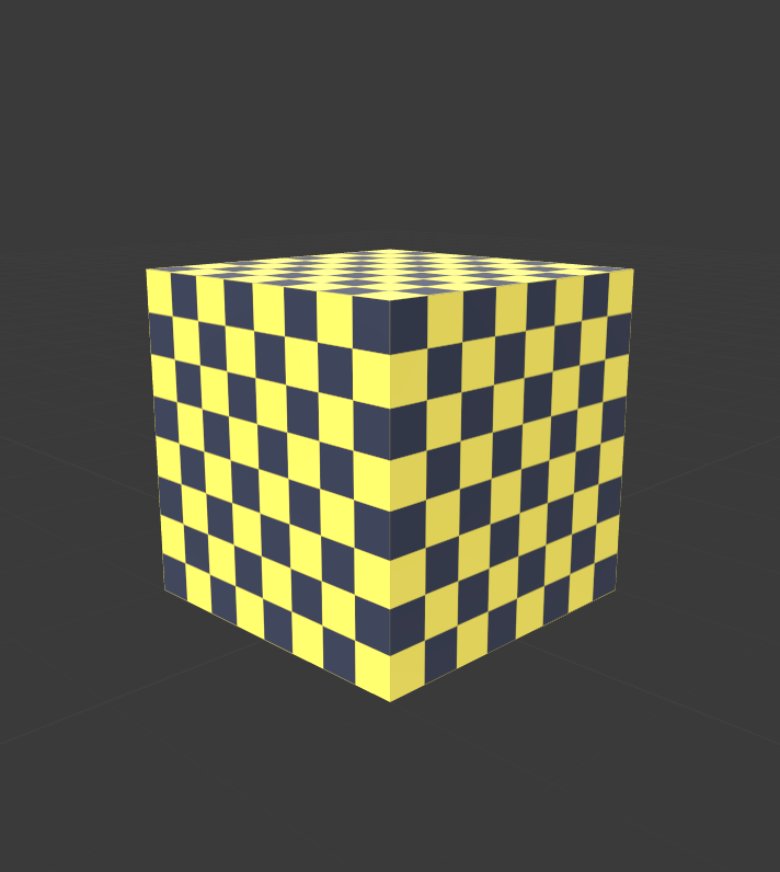
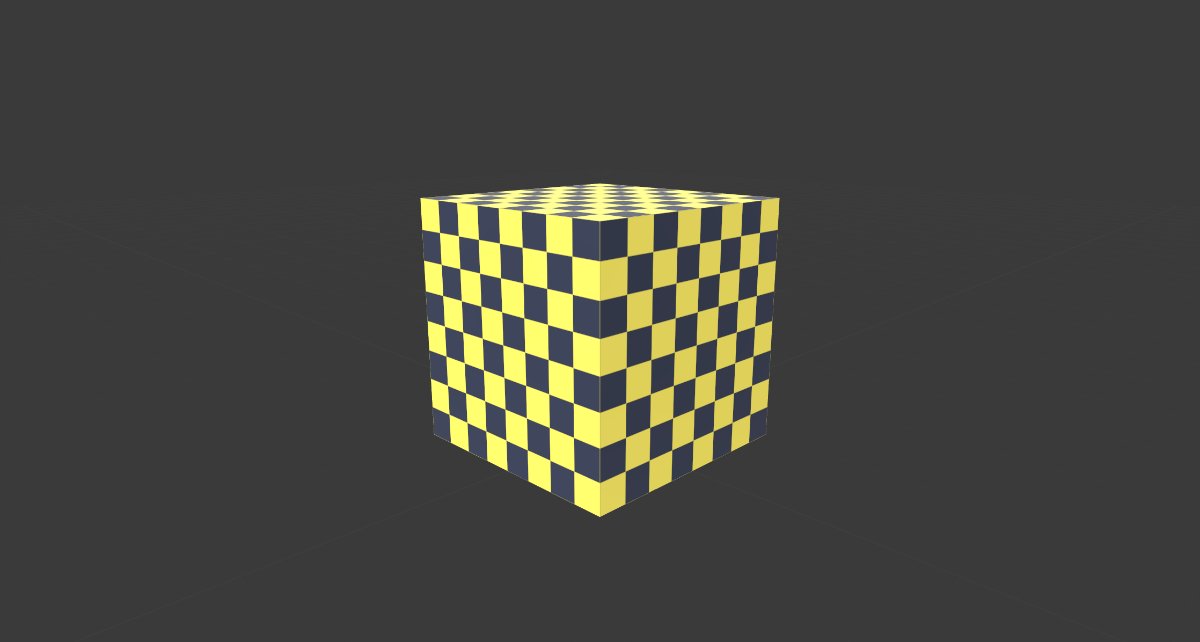
Same viewer, phone to desktop
The viewer is touch-aware: one finger orbits, two fingers pinch to zoom, and the same local WebGL pipeline renders the model on a phone or a workstation — no app install on either.
Why Choose Our GLB Viewer
100% Private
Your GLB files never leave your browser. All processing happens client-side using WebGL. No uploads, no server storage, no tracking.
Compressed Files Welcome
Draco-compressed geometry and KTX2 textures decode on your device. The exports most viewers choke on — including default output from AI generators — open here.
"JPEG of 3D"
GLB is the binary version of glTF, often called the "JPEG of 3D." It bundles geometry, textures, materials, and animations into one compact, self-contained file.
PBR Material Support
GLB fully supports physically-based rendering (PBR) for accurate light, shadow, and surface textures. The viewer renders PBR materials with environment maps.
Web & AR Standard
GLB is the standard format for web-based 3D, AR, and VR applications. Preview models that will appear in Google Scene Viewer, WebXR, and Meta Quest environments.
Animation Playback
Embedded animation clips play inline with a pause/play control, so you can freeze a pose and inspect the mesh instead of trusting a static thumbnail.
GLB Viewer vs Desktop Software
Desktop tools go deeper — this page is for the moment you just need to see the file. When a look turns into a delivery, jump straight to the GLB to STL converter or the GLB to OBJ converter without opening Blender at all.
| Feature | Trify3D GLB Viewer (online) | Blender (desktop) | Windows 3D Viewer |
|---|---|---|---|
| Install | None — opens in any browser | 300 MB+ download | Built into Windows |
| Account | Not required | Not required | Microsoft account for some features |
| Privacy | File never leaves your device | Local | Local |
| Speed to first view | Seconds — drop and render | App launch + import | Seconds |
| PBR textures & animations | Full support, plays clips inline | Full support + editing | Partial |
| Format focus | GLB & glTF, including Draco/KTX2 | 40+ formats | A handful of formats |
| Best for | Quick checks and sharing a view | Deep editing work | A quick look on Windows |
What Is a .glb File?
GLB is the binary version of glTF (GL Transmission Format), the open-standard 3D file format maintained by the Khronos Group. It packages 3D model geometry, textures, materials, and animations into a single, compact, self-contained binary file.
Often called the "JPEG of 3D," GLB is optimized for fast loading and real-time rendering in web browsers and AR/VR applications. The binary format makes it approximately 30% smaller than the equivalent multi-file glTF format, making it the preferred choice for production web deployment.
GLB vs glTF vs OBJ vs FBX
GLB is the single-file binary version of glTF, ideal for web deployment. glTF (multi-file) is better for development and debugging. OBJ is a simpler format for static geometry exchange. FBX supports complex animations and rigging for game development. For web-based 3D, AR, and VR, GLB is almost always the best choice due to its compact size, PBR support, and self-contained structure.
Last updated: November 2026. Reference: the glTF 2.0 specification.
GLB File Advantages and Disadvantages
Advantages
- Self-contained single file: All geometry, textures, materials, and animations bundled in one .glb file. No external dependencies or missing texture errors.
- Compact binary format: Approximately 30% smaller than equivalent multi-file glTF. Fast to download and parse, ideal for web performance.
- PBR material support: Full physically-based rendering support for photorealistic surfaces, metalness-roughness workflow, and normal maps.
- Web and AR standard: Natively supported by Three.js, Babylon.js, Google Model Viewer, WebXR, and Google Scene Viewer for AR.
- Animation support: Stores skeletal animations, morph targets, and skinned meshes alongside geometry and materials.
Disadvantages
- Not for CAD workflows: GLB stores polygonal meshes, not parametric data. Cannot be used for engineering design editing like STEP or SolidWorks.
- Limited editing capability: GLB is a delivery format, not an editing format. To modify a GLB model, import it into Blender or similar, edit, then re-export.
- Binary opacity: Unlike text-based glTF, the binary GLB format cannot be inspected or debugged in a text editor. Use glTF for development debugging.
- Not ideal for 3D printing: GLB is optimized for screen rendering, not additive manufacturing. Convert to STL or 3MF for 3D printing.
- Newer ecosystem: While growing rapidly, GLB has less legacy support than OBJ or FBX in some older 3D software and pipelines.
GLB is the "JPEG of 3D," maintained by the Khronos Group as the royalty-free open standard for web-based 3D content delivery.
Who Uses This GLB Viewer?
Web Developers
Preview GLB models before deploying to web applications. Check PBR materials, animations, and file size for optimal web performance.
AR/VR Developers
Inspect GLB assets for Google Scene Viewer, WebXR, and Meta Quest applications. Verify geometry, textures, and animation data.
3D Artists
Review GLB exports from Blender, Maya, or Substance Painter. Check how PBR materials render in real-time before delivery.
E-commerce Teams
Preview GLB product models for 3D product viewers and AR shopping experiences. Verify visual quality before publishing.
Game Developers
Inspect GLB game assets for web-based games. Check mesh quality, animation integrity, and material setup before integration.
Students & Educators
View GLB 3D models for coursework in web graphics, AR/VR development, and 3D design. GLB is the standard format for web 3D education.
Working with other formats too? Browse all free online 3D file viewers.
Frequently Asked Questions
What is a GLB file?
A GLB file is the binary version of the glTF (GL Transmission Format) 3D file format. It packages 3D model geometry, textures, materials, and animations into a single, compact, self-contained file. Often called the "JPEG of 3D," GLB is optimized for fast loading and real-time rendering in web browsers and AR/VR applications. It is maintained royalty-free by the Khronos Group.
How do I view a GLB file online?
Simply drag and drop your .glb file into the viewer above, or click to browse. Your model renders instantly in 3D with orbit, zoom, and pan controls. No software installation, no account, and no upload. Everything runs in your browser.
Is this .glb viewer free to use?
Yes, completely free. No registration, no watermarks, no hidden costs. Upload and view as many .glb files as you need.
What program opens a GLB file?
GLB files can be opened by our web-based viewer in any browser, as well as Blender (free), Windows 3D Viewer (built-in), Babylon.js Sandbox, Don McCurdy's glTF Viewer, and most modern 3D software with glTF support. For web development, GLB is loaded natively by Three.js, Babylon.js, and Google Model Viewer.
Is GLB a CAD file?
No. GLB is a runtime delivery format for 3D content on the web, not a CAD format. CAD formats like STEP, IGES, and SolidWorks store parametric design data for engineering. GLB stores polygonal meshes with PBR materials for real-time rendering. Convert CAD files to GLB when you need to display them on the web.
What does GLB mean in files?
GLB stands for "GL Transmission Format Binary." It is the binary container version of glTF, bundling the JSON scene description (.gltf), binary geometry data (.bin), and texture images into a single .glb file. The binary format makes it about 30% smaller and faster to load than the multi-file glTF format.
How to access GLB files?
You can access GLB files by opening them in this web viewer, or by using any glTF-compatible software. On Windows, the built-in 3D Viewer app opens GLB files natively. For development, use Three.js GLTFLoader, Babylon.js, or Google Model Viewer to load GLB files in web applications.
Are my files uploaded to a server?
No. Files are processed entirely in your browser using client-side JavaScript and WebGL. Your 3D models never leave your device. This makes our viewer safe for proprietary and confidential 3D assets.
GLB vs glTF: what is the difference?
GLB is the binary single-file version of glTF. glTF uses separate files: a .gltf JSON file, a .bin binary file, and external texture images. GLB bundles all of these into one compact .glb file. GLB is about 30% smaller and easier to distribute. Use GLB for production deployment; use glTF for development and debugging.
GLB vs OBJ vs FBX: which should I use?
Use GLB for web-based 3D, AR, and VR applications because it is compact, self-contained, and supports PBR materials and animations. Use OBJ for simple static model exchange between 3D software. Use FBX for game development and animation pipelines with complex rigs. For web deployment, GLB is almost always the best choice.
Can I view GLB files with animations?
Yes — animation clips play inline. The moment an animated GLB opens, the first clip plays on a loop, and the control at the bottom of the viewport shows the clip name with a pause/play toggle. Pause on any frame, then orbit around the frozen pose to inspect the mesh.
Can I use the GLB viewer on a phone?
Yes. The viewer works in iOS Safari and Chrome on Android with touch controls: one finger orbits the model and two fingers pinch to zoom. Heavy PBR models with large textures load slower on phones, but nothing is uploaded either way — the file stays on the device.
Does the viewer open Draco-compressed GLB files?
Yes. The Draco mesh decoder and the KTX2 texture transcoder are bundled with the page and run locally. Most AI 3D generators (Meshy, Tripo, Rodin and others) export Draco-compressed GLB by default, and those files open here directly — no re-export, no upload to a conversion server.
Is it safe to open confidential GLB files here?
Yes, and you can verify it yourself: open your browser developer tools, watch the Network tab, and load a model. The only requests are the page's own code and decoder files — your GLB is not among them. This is the difference between a local viewer and services that upload your file to a server for processing.
Can I convert GLB to other formats?
Yes. Use our Convert Studio to convert GLB files to OBJ, STL, FBX, PLY, USDZ, or other 3D formats — for example, convert GLB to STL for 3D printing, or check the mesh first in the STL viewer after export. This is useful when you need to use web-optimized models in traditional 3D software, game engines, or 3D printing workflows.
What is a GLB file used for?
GLB files are used for web-based 3D product viewers, e-commerce product visualization, Google Scene Viewer AR experiences, WebXR virtual reality applications, Meta Quest environments, game assets for web games, and any application that needs to display 3D models efficiently in a browser or AR/VR headset.
Need to Convert Your GLB Files?
Open the Convert Studio to convert GLB files to OBJ, STL, FBX, PLY, USDZ, or any other 3D format for cross-platform use.