Trify3D vs Meshy: which fits your job?
A side-by-side look at Trify3D and Meshy. Every number below comes from either our own provider config or Meshy's own pages, not marketing copy. Meshy still wins some jobs, and we say which.
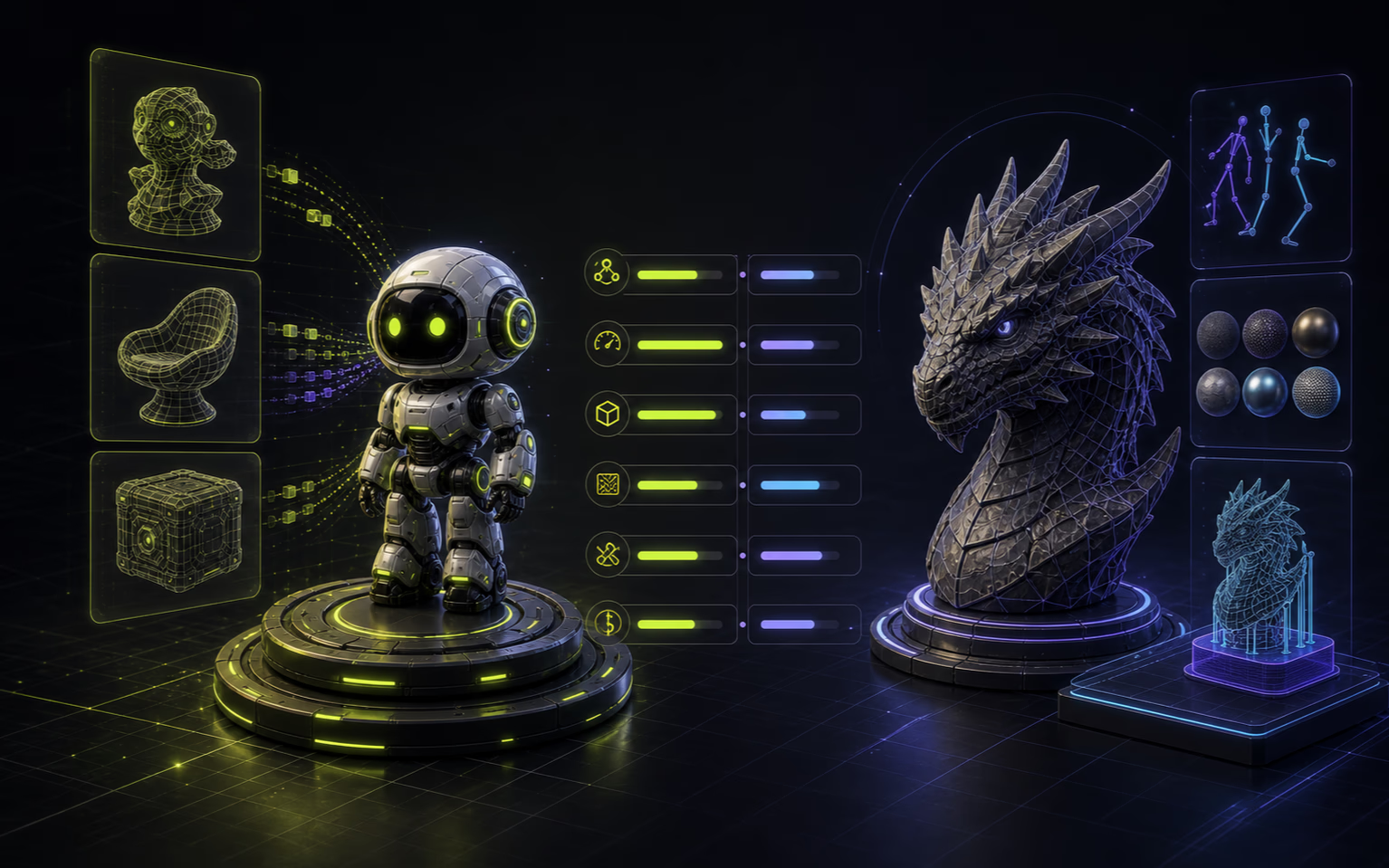
At a glance
Feature-by-feature, with sources. Trify3D data is from our provider and pricing config; Meshy data is from their public compare and pricing pages.
- Engines
- Trify3D
- 3 (Tripo3D, Meshy V6, Rodin): run all on one input
- Meshy
- 1 (Meshy only)
- Multi-model compare
- Trify3D
- Yes: same prompt across engines, pick the best mesh
- Meshy
- No: single engine locks you in
- Text-to-3D runtime
- Trify3D
- ~48s (Tripo3D) to ~90s (Rodin), per provider config
- Meshy
- ~60s, per Meshy's own compare page
- Free tier
- Trify3D
- $0, 10 credits/month, GLB export
- Meshy
- $0, 100 credits/month (lighter use)
- Cheapest paid
- Trify3D
- Starter $19.90/mo, 1,000 credits
- Meshy
- Pro $20/mo
- Auto-rigging + animation
- Trify3D
- Not yet
- Meshy
- Yes: auto-rig + 500+ animation presets
- Retexture existing mesh
- Trify3D
- In progress (AI Texturing page pending)
- Meshy
- Yes
- 3D printing workflow
- Trify3D
- STL export, manual slicer hand-off
- Meshy
- Watertight mesh + one-click Bambu Studio + 3MF
- Generation modes
- Trify3D
- Speed / Quality / Compare (multi-engine, exclusive)
- Meshy
- Turbo (~10s) / Quality + multi-view + style presets
- Export formats (native)
- Trify3D
- 4: GLB, glTF, OBJ, STL (FBX/USDZ via Blender)
- Meshy
- 8: FBX, OBJ, GLB, USDZ, STL, BLEND, 3MF, glTF
- Style variety
- Trify3D
- Cross-engine variation (each engine's native look)
- Meshy
- 500+ built-in presets (realistic, anime, voxel, sculpture)
- License (free tier)
- Trify3D
- Full ownership of generated models
- Meshy
- CC BY 4.0 (attribution required); Private on paid plans
- Community & resources
- Trify3D
- Newer platform
- Meshy
- 10M+ users, 600K+ public gallery, 3,000+ G2 reviews
- Learning curve
- Trify3D
- Medium (pick engines + compare modes)
- Meshy
- Beginner-friendly (guided UI + tutorials)
Meshy figures sourced from meshy.ai/compare/meshy-vs-tripo and meshy.ai/pricing (accessed 2026-07-03). Trify3D figures from internal provider and pricing config.
Where Meshy still wins
Honest take. These are jobs Meshy does better today, and we won't pretend otherwise.
Auto-rigging and animation
Meshy ships auto-rigging plus a library of 500+ animation presets (walk cycles, attacks, idles) and one-click export to Unity, Unreal, Godot, and Roblox. Trify3D doesn't do rigging or animation yet. If you need rigged, animated characters out of the box, Meshy is the right call today.
Retexturing existing assets
Meshy can retexture a mesh you already have, which matters for iteration on existing models. Trify3D's AI Texturing capability is still in progress, so today you'd generate fresh rather than retexture.
3D printing pipeline
Meshy produces watertight, slicer-ready meshes and integrates directly with Bambu Studio. Trify3D exports STL and hands off to your slicer manually. For a pure print-pipeline workflow, Meshy is further along.
Engine plugin ecosystem
Meshy has seven native engine plugins. Trify3D's integration path is export-then-import. If deep in-engine integration is the priority, Meshy's ecosystem is broader right now.
User base and maturity
Meshy reports 10M+ creators, a longer shipping history, and a G2 rating of 4.8/5 across 3,000+ reviews. Trify3D is newer. Maturity and community size are real factors if you want proven stability and a large knowledge base.
Enterprise security and compliance
Meshy holds SOC 2 Type II, ISO 27001, and GDPR certifications, with team workspaces and role-based access control. Trify3D hasn't published equivalent compliance certifications yet. For B2B or regulated-team procurement, Meshy's audit posture is further along.
Where Trify3D wins
The structural edge. These are things Meshy can't match because of its single-engine design.
Run multiple engines on one prompt
Trify3D runs the same input through Tripo3D, Meshy V6, and Rodin and shows the meshes side by side. Meshy gives you one engine's take. If picking the right engine per asset matters, the multi-model workflow exists for exactly that.
No single-engine lock-in
Meshy locks you into its strengths and weaknesses. Trify3D includes Meshy V6 alongside two others, so a bad-texture day on one engine doesn't force a new subscription elsewhere.
Credit granularity across engines
Trify3D Pro is $29.90/mo for 3,500 credits that spend across every engine, with per-engine multipliers (1.0x to 1.5x). Meshy Pro is $20/mo but only runs Meshy. Whether that's cheaper depends on how often the comparison saves a redo.
Pricing breakdown
Sticker prices for both. The real cost question is credit efficiency across engines, which the verdict below covers.
Trify3D
- Free: $0, 10 credits/mo, GLB export
- Starter: $19.90/mo, 1,000 credits, all formats
- Pro: $29.90/mo, 3,500 credits, priority queue
- Max: $149.90/mo, 18,000 credits, dedicated support
The honest verdict
Pick Meshy if
- You need auto-rigging and an animation library for characters.
- 3D printing with direct Bambu Studio hand-off is the main job.
- You want to retexture existing meshes, not just generate new ones.
- Deep in-engine plugin integration matters more than engine choice.
Pick Trify3D if
- You want to compare Tripo3D, Meshy V6, and Rodin on the same input before committing.
- A bad output on one engine shouldn't mean a new subscription elsewhere.
- Your assets vary: hard-surface one day, organic characters the next.
- You'd rather pick the best mesh per job than bet on one engine.
If you're unsure, the trade-off is simple: Meshy is more complete for rigging, animation, and printing pipelines today; Trify3D is built around running multiple engines so you're never locked into one's weaknesses. Comparing against Tripo3D instead? See Trify3D vs Tripo3D.
Common questions
Is Trify3D better than Meshy?+
It depends on the job. Trify3D is better when you want to run the same input through multiple engines and compare meshes before committing. Meshy is better when you need auto-rigging, animation, retexturing, or a tight 3D-printing pipeline with Bambu Studio. Neither is uniformly better; the decision is job-specific.
Is Trify3D cheaper than Meshy?+
On sticker price, comparable: Trify3D Starter is $19.90/mo for 1,000 credits, Meshy Pro is $20/mo. The real cost question is credit efficiency. Trify3D credits spend across three engines; Meshy credits only run Meshy. If multi-engine comparison saves redos, Trify3D can be cheaper in practice despite similar sticker prices.
Can Trify3D do what Meshy does for 3D printing?+
Partially. Trify3D exports STL on supported engines for manual slicing. Meshy goes further with watertight meshes and one-click Bambu Studio integration. If 3D printing is your primary use case, Meshy's pipeline is more polished today; Trify3D covers the export step but not the direct slicer hand-off.
Does Trify3D include the Meshy engine?+
Yes. Trify3D runs Meshy V6 as one of three live engines, alongside Tripo3D and Rodin. You can run the same prompt through Meshy V6 and the others in one studio and compare the outputs, which is the multi-model workflow Meshy alone can't offer.
Which is easier for beginners, Trify3D or Meshy?+
Meshy is widely cited as more beginner-friendly, with a guided UI, built-in tutorials, and style presets that get you to a model in a few clicks. Trify3D has a slightly steeper curve because you choose between engines and compare modes. If first-time ease matters most, Meshy wins that; if you want control over which engine runs, Trify3D's extra options are the point.
Run the same input across three engines
See for yourself why multi-model changes the Meshy comparison. Free credits to start.
Try Trify3D Free