Trify3D vs Tripo3D: aggregator or direct?
Here's the thing most comparisons won't tell you: Tripo3D runs inside Trify3D. So this isn't two rival engines — it's two routes to the same one. Both have a real case.
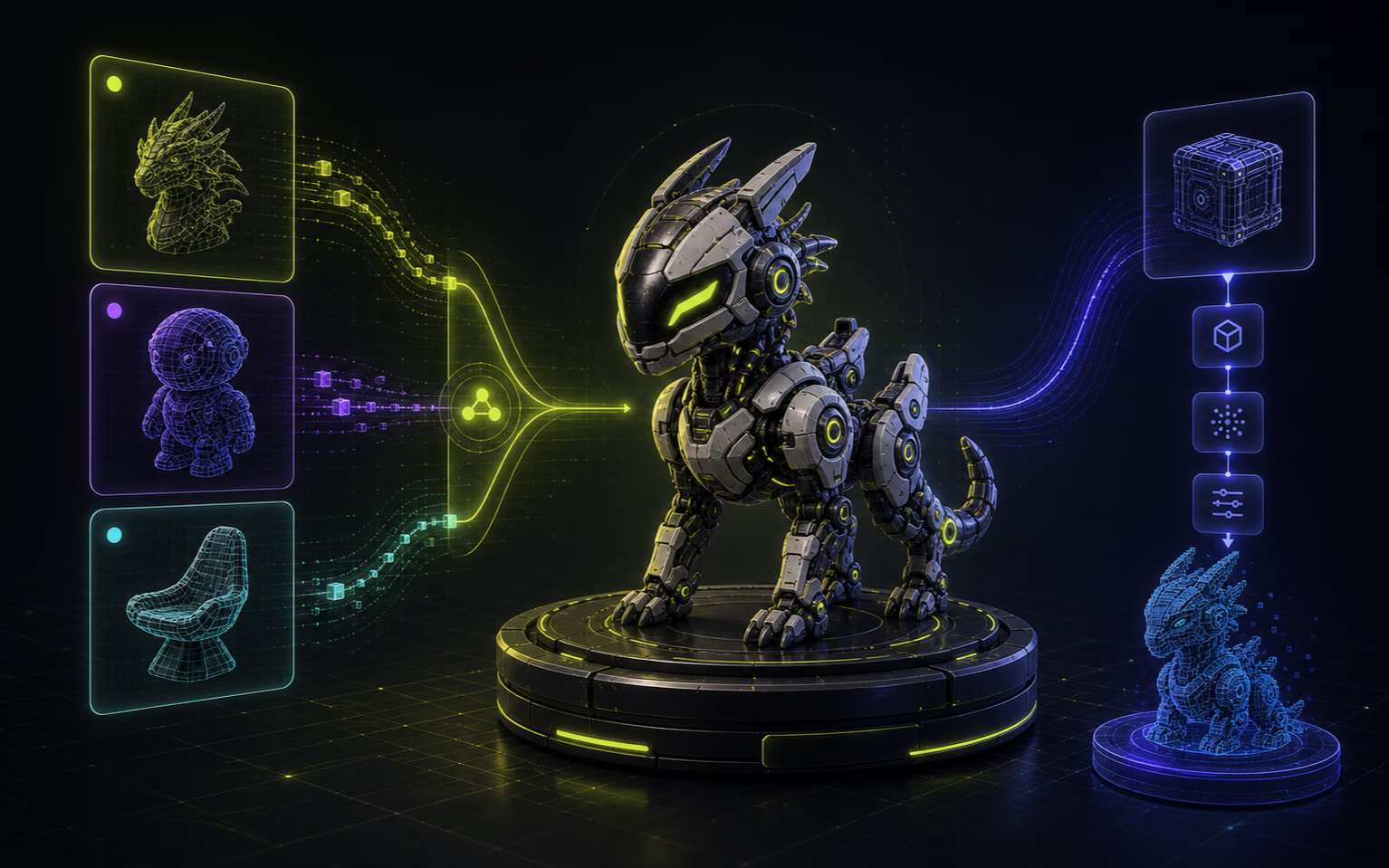
Two routes to the same engine
Tripo3D is one of three engines Trify3D runs — the others are Meshy V6 and Rodin. It's a partner engine, not a rival. The question is which route fits your work.

Trify3D — multi-engine aggregator
Run the same input through Tripo3D, Meshy V6, and Rodin side by side, then keep the best mesh. One account, one credit pool across all three engines.
Trade-off: a thin layer between you and the engine vendor, and a short integration window before new Tripo3D features land.

Tripo3D — direct subscription
Subscribe on tripo3d.ai. Day-one access to new Tripo3D features, native FBX/USDZ export, the Tripo3D API, and direct vendor support. Subscription covers unlimited downloads per tier.
Trade-off: locked to Tripo3D only — a weak output on a given asset means a second subscription elsewhere to try another engine.
Want the full picture of how the three engines compare on one input? See how the multi-model workflow works.
At a glance
Feature-by-feature. Trify3D data is from our provider and pricing config; Tripo3D data is from their public site.
- Relationship
- Trify3D
- Runs Tripo3D as one of three engines (with Meshy V6, Rodin)
- Tripo3D
- Standalone Tripo3D engine only
- Engines on one input
- Trify3D
- 3: Tripo3D, Meshy V6, Rodin — compare side by side
- Tripo3D
- 1: Tripo3D only
- Multi-model compare
- Trify3D
- Yes: same prompt across engines, pick the best mesh
- Tripo3D
- No: single engine, no comparison
- Tripo3D model variants
- Trify3D
- Tripo3D H3.1, V2.5, P1 (per providers.tsx)
- Tripo3D
- Full native model lineup + newest releases first
- Pricing model
- Trify3D
- Credit-based (credits spend across 3 engines)
- Tripo3D
- Subscription (unlimited downloads per tier)
- Free tier
- Trify3D
- $0, 10 credits/month, GLB export
- Tripo3D
- $0, store 10 models, 15 v2.5 downloads/month, CC BY 4.0
- Cheapest paid
- Trify3D
- Starter $19.90/mo, 1,000 credits
- Tripo3D
- Pro $19.90/mo, unlimited downloads (per tripo3d.ai)
- Pro tier
- Trify3D
- Pro $29.90/mo, 3,500 credits across all engines
- Tripo3D
- Pro $19.9/mo ($167.16/yr), unlimited, private + commercial
- Top tier
- Trify3D
- Max $149.90/mo, 18,000 credits
- Tripo3D
- Max $89.9/mo, 100 concurrent tasks, priority lane
- Export formats (native)
- Trify3D
- GLB, glTF, OBJ, STL (4 formats, per studio export)
- Tripo3D
- GLB, FBX, OBJ, USDZ, STL and more (per tripo3d.ai)
- Credit pool
- Trify3D
- Shared across all three engines
- Tripo3D
- N/A — subscription tier covers unlimited downloads
- API access
- Trify3D
- Tripo3D via Trify3D layer
- Tripo3D
- Direct Tripo3D API + native integrations
- New Tripo3D features
- Trify3D
- After Trify3D integration window
- Tripo3D
- Day-one, as Tripo3D ships them
- Auto-rigging + animation
- Trify3D
- Not yet
- Tripo3D
- Per tripo3d.ai feature page
- Generation modes
- Trify3D
- Speed / Quality / Compare (multi-engine, exclusive)
- Tripo3D
- Tripo3D native modes (Turbo, Smooth, etc.)
- License (free tier)
- Trify3D
- Full ownership of generated models
- Tripo3D
- Per tripo3d.ai terms
Tripo3D figures sourced from tripo3d.ai and tripo3d.ai/pricing (accessed 2026-07-03). Trify3D figures from internal provider and pricing config.

Where direct Tripo3D wins
Honest take. These are jobs where subscribing to Tripo3D directly beats going through Trify3D.
Direct from the source
Subscribing on tripo3d.ai puts you on Tripo3D's own platform with their native account, billing, and support. If something breaks in the Tripo3D engine, you talk to Tripo3D directly. Trify3D adds a layer between you and the engine vendor — useful for comparison, but one more hop for engine-specific support.
Day-one access to new Tripo3D features
When Tripo3D ships a new model or feature, it lands on tripo3d.ai first. Trify3D integrates Tripo3D updates after a testing window. If being on the bleeding edge of Tripo3D specifically matters, the direct subscription wins that race.
Full Tripo3D export lineup
Tripo3D's own platform exports a wider native format range (FBX, USDZ, and others) directly. Trify3D's studio exports GLB, glTF, OBJ, and STL natively — FBX and USDZ require a Blender hand-off. If you need native FBX from Tripo3D output specifically, the direct route is shorter.
Native API and integrations
Tripo3D offers their own API, plugins, and partner integrations built for Tripo3D output. Trify3D routes everything through its own layer. For pipelines that depend on Tripo3D's native API surface, the direct subscription is the cleaner integration.
Auto-rigging on the Tripo3D side
Tripo3D's own platform offers features like auto-rigging that Trify3D doesn't expose yet. If rigging is the job and you want it from the Tripo3D pipeline specifically, the direct platform has it today.
Flat-rate subscription for heavy volume
Tripo3D's paid tiers are subscription-based — unlimited downloads per tier, no per-generation metering. Trify3D uses credits that deplete per generation. For a studio running hundreds of Tripo3D generations a month, the flat subscription can be cheaper than paying per credit.
Where Trify3D wins
The structural edge. These are things a direct Tripo3D subscription can't match.
Run multiple engines on one prompt
Trify3D runs the same input through Tripo3D, Meshy V6, and Rodin and shows the meshes side by side. Tripo3D alone gives you one engine's take. If picking the right engine per asset matters, the multi-model workflow exists for exactly that — and Tripo3D is one of the three.
No single-engine lock-in
A direct Tripo3D subscription locks you into Tripo3D's strengths and weaknesses. Trify3D includes Tripo3D alongside two others, so a weak output on Tripo3D for a given asset doesn't force a second subscription elsewhere to try a different engine.
Credit granularity across engines
Trify3D Pro is $29.90/mo for 3,500 credits that spend across every engine, with per-engine multipliers. A Tripo3D subscription only buys Tripo3D runs. Whether Trify3D is cheaper depends on how often the multi-engine comparison saves a redo — but it buys optionality a single-engine plan can't.

Pricing breakdown
Sticker prices. The real cost question is what the credits buy — Trify3D credits run three engines, Tripo3D credits run only Tripo3D.
Trify3D
- Free: $0, 10 credits/mo, GLB export
- Starter: $19.90/mo, 1,000 credits, all engines
- Pro: $29.90/mo, 3,500 credits across all engines
- Max: $149.90/mo, 18,000 credits, dedicated support
Tripo3D (direct)
- Free: $0, store 10 models, 15 v2.5 downloads/mo
- Pro: $19.9/mo ($167.16/yr), unlimited downloads
- Max: $89.9/mo, 100 concurrent tasks
- Subscription model (not credits), direct vendor
Source: tripo3d.ai/pricing
The honest verdict
Subscribe to Tripo3D directly if
- You want day-one access to every new Tripo3D model and feature.
- Native FBX / USDZ export from every generation is a hard requirement.
- You need the Tripo3D API, auto-rigging, or native integrations.
- Direct vendor support matters more than engine choice on each asset.
Use Trify3D if
- You want to run Tripo3D, Meshy V6, and Rodin on the same input and pick the best mesh.
- Your assets vary — hard-surface one day, organic characters the next.
- A weak Tripo3D output shouldn't force a second subscription to try another engine.
- You'd rather decide per asset which engine fits, not per year.
Trade-off in one line: direct Tripo3D gets you the newest features, native exports, and the vendor relationship; Trify3D gets you Tripo3D plus two other engines on the same input and credits. Neither is universally right — it depends on whether your work benefits from comparison. New to the workflow? Start at the image-to-3D guide. Comparing Trify3D against Meshy instead? See Trify3D vs Meshy.
Common questions
Does Trify3D include the Tripo3D engine?+
Yes. Tripo3D is one of three engines Trify3D runs (alongside Meshy V6 and Rodin). So this isn't a comparison of two competing engines — it's a comparison of accessing Tripo3D through a multi-model aggregator versus subscribing to Tripo3D directly. Both put Tripo3D in your hands; they differ on whether you can also run other engines on the same input and credits.
Is Trify3D cheaper than Tripo3D?+
On sticker price they're comparable — Trify3D Starter is $19.90/mo for 1,000 credits. The real cost question is what the credits buy. Trify3D credits spend across three engines; a Tripo3D subscription buys Tripo3D runs only. If multi-engine comparison saves redos, Trify3D can deliver more value per dollar despite similar sticker prices.
Should I subscribe to Tripo3D directly or use Trify3D?+
Subscribe to Tripo3D directly if you want day-one access to new Tripo3D features, native FBX/USDZ export, the Tripo3D API, or auto-rigging — and you don't need other engines. Use Trify3D if your assets vary in type and you'd rather run Tripo3D, Meshy, and Rodin on the same input and pick the best mesh per job.
Do I get the same Tripo3D quality through Trify3D?+
The Tripo3D engine output is the same whether accessed through Trify3D or tripo3d.ai — Trify3D calls the same Tripo3D models (including H3.1, V2.5, and P1 variants). The difference is the surrounding workflow: Trify3D adds multi-engine comparison and a shared credit pool; tripo3d.ai adds native export formats and direct vendor support.
Can I export FBX from Trify3D like from Tripo3D?+
Not directly. Trify3D's studio exports GLB, glTF, OBJ, and STL natively. For FBX or USDZ, export GLB and convert via Blender. Tripo3D's own platform exports FBX and USDZ directly. If native FBX export from every model is a hard requirement, the direct Tripo3D route is shorter.
Run Tripo3D alongside two other engines
See the same input through Tripo3D, Meshy, and Rodin before committing. Free credits to start.
Try Trify3D Free