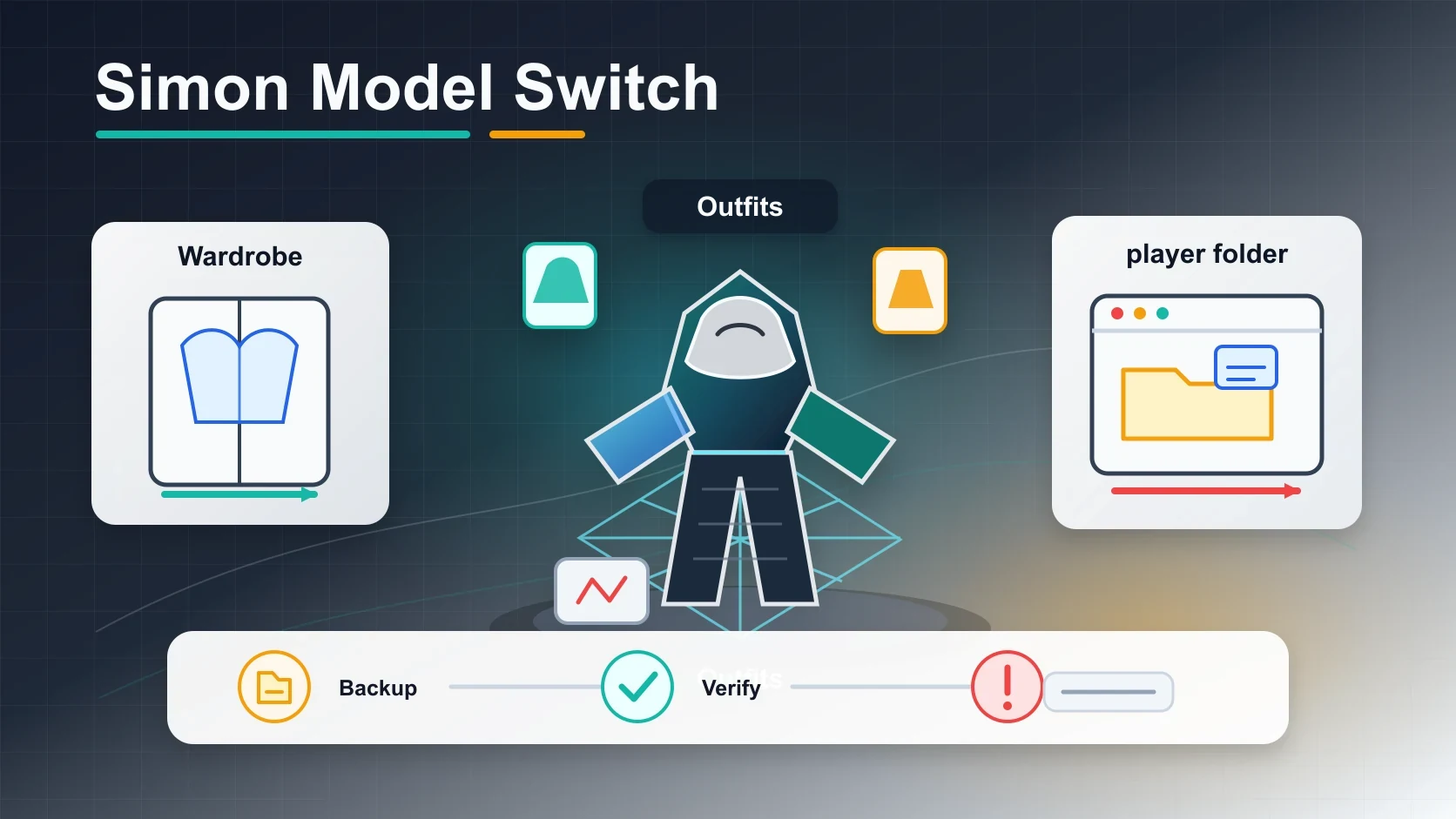
Switch Simon's 3D Model in Cry of Fear
To switch Simon's 3D model in Cry of Fear, you have two options. Change his outfit the safe, official way using the in-game wardrobe inside a Secret Room, or replace the player model files in your game directory with a community mod. The wardrobe is a supported feature that cannot break anything. File replacement can corrupt your install if done wrong, so back up first.
Cry of Fear (often shortened to "CoF") is a free psychological horror game built on the Half-Life engine by Team Psykskallar, as documented on the Cry of Fear Wiki. You play as Simon Henriksson, and players often want to switch his default look, either to unlock the outfits hidden in the campaign or to swap in fan-made models like Sick Simon, Former Simon, or Book Simon. This guide covers both paths in full: every outfit and how to unlock it, exactly where the Secret Rooms are, how the player model files work, how to install community mods, and how to undo any damage with Steam's file verification. Last updated 2026-07-10.
The two ways to switch Simon's model
Before the steps, it helps to know which method matches what you actually want, because the two are very different in risk and result.
| Method | What it changes | Risk level | Reversible |
|---|---|---|---|
| Secret Room wardrobe | Simon's outfit (hoodie, jeans, full reskin) | None (official feature) | Yes, pick another outfit anytime |
| Replace player model files | The entire 3D player model mesh | High (can break the game) | Yes, via Steam verify game files |
| Community mods / ports | Adds Simon models to other games (Garry's Mod, Sven Co-op) | Low (add-on, does not touch CoF) | Yes, unsubscribe or delete |
If you just want Simon to wear something different inside Cry of Fear, use the wardrobe. If you want to play as a fan-made version of Simon (the unused 2009 beta model, for example), you are looking at file replacement or an external mod.
Method 1: Change Simon's outfit the safe way (Secret Room wardrobe)
This is the official, supported way to change how Simon looks, and it is the answer most players actually need. Cry of Fear ships with a wardrobe system, but it only opens up after you have made progress.
Step 1: Beat the game once
The Secret Rooms, and the wardrobe inside them, only appear after you complete the Cry of Fear campaign at least one time on any difficulty. If you are on a fresh save, the rooms will not exist yet. This is the single most common reason players think they "cannot change Simon's model": they have not finished the game.
Step 2: Find a Secret Room
There are two Secret Rooms, and either one works. Both become available after your first completion:
- Chapter 1 Secret Room: At the very start of the game, on the left-hand side in the yellow tunnel. This is the same spot where Simon notices a silhouette walking away early in the campaign.
- Chapter 6 Secret Room: At the start of Chapter 6, look for a large iron trapdoor by the red car on the right-hand side. Drop through it into the bunker below.
Step 3: Use the wardrobe
Inside each Secret Room you will find a wardrobe alongside the secret weapons and items you have unlocked. Walk up to the wardrobe and interact with it. A list of every outfit you have earned appears. Pick one and Simon instantly changes into it. You can switch again at any time by returning to a wardrobe.
This method only swaps Simon's clothing and skin. It does not change his 3D mesh, animations, or proportions. For that, you need method 2.
All 12 outfits and how to unlock them
Cry of Fear hides 12 outfits across endings, chapter pickups, and specific challenges, per the official unlockables list on the Cry of Fear Wiki. Once unlocked, they all live in the wardrobe. Here is the full list with exact unlock conditions.
Outfits unlocked by reaching endings
Five outfits are tied to the game's multiple endings. You only need to reach each ending once, not win on a specific difficulty:
- David Leatherhoff suit: Reach Ending 5.
- Camouflage hoodie: Reach Ending 2.
- Black Metal suit: Reach Ending 1.
- Team Psykskallar hoodie: Reach Ending 3.
- Sick Simon suit: Reach Ending 4.
Outfits found during chapters
These are pickups or interactions hidden inside specific chapters:
- ModDB hoodie: Chapter 3, on the kitchen counter of the apartment you use to reach the rooftops.
- Hello Kitty suit: Chapter 4, press the Use key on the dead cat in the vents six times.
- Afraid of Monsters suit: Chapter 4, inside Harbor College.
- Half-Life Creations hoodie: Chapter 1, in one of the rooms in the Apartments.
Outfits that need extra effort
- Awesome suit: Attain all five endings at least once.
- AoM Twitcher suit: On the path to Ending 5, in the "Heaven" level, kill a twitcher with the Axe.
- Custom hoodie: Unlocked by collecting every other outfit and beating the game one more time.
If you want to track your progress, the game scatters Book Pages that explain the unlock rules. The third Book Page (found in Chapter 6, on the left side of the forest clearing with the doorknob) specifically covers how to unlock all outfits.
Method 2: Replace the player model files (advanced)
If you want to swap in a completely different 3D model of Simon (a fan-made beta model, a port, or a custom character), you do it by replacing the files in Cry of Fear's player models folder. This is the method Google's AI Overview describes, and it is where things can go wrong.
Where the player models live
Cry of Fear stores Simon's player model in a specific folder inside your Steam install. The default path is:
C:\Program Files (x86)\Steam\steamapps\common\Cry of Fear\cryoffear\models\player
This folder holds the .mdl model files, textures, and animation data the game loads for the player character. The police and co-op models also live here.
The replacement steps
- Back up the original folder. Copy the entire
playerfolder somewhere safe before touching anything. This is your undo button if a replacement breaks the game. - Find a replacement model. Community sites like ModDB, GameBanana, and the Steam Workshop host Cry of Fear model files and ports. Download one that is actually made for Cry of Fear, not a port meant for Garry's Mod.
- Copy the new files in. Extract the downloaded model files into the
playerfolder, overwriting the originals when prompted. - Launch the game and test. Load a chapter and check whether Simon now appears as the new model.
Why this is risky (and how Cry of Fear differs from other games)
Cry of Fear is a GoldSrc-era game (built on Half-Life's engine). It does not have a modern mod manager or a one-click skin installer. Replacing files by hand means:
- A model with the wrong skeleton or animation references will crash the game or show a broken, T-posing character.
- The replacement persists across your save files, so a bad swap affects every playthrough until you fix it.
- Uninstalling the game does not always clear replaced files, so leftover custom models can linger.
Community members on the Steam forums consistently recommend against casual file swapping for these reasons. If you only want a cosmetic change, the wardrobe in method 1 is always the better choice.
Changing just the texture (safer than swapping the whole model)
If you only want to recolor or reskin Simon without replacing his mesh, you can edit the texture instead of the model. Players use a tool called Jed's Model Viewer to open Simon's .mdl file, swap the .bmp texture, and save it back in place. This keeps the skeleton and animations intact and is far less likely to break anything. One common error here is "error loading .BMP texture" in HLMV, which usually means the texture file has the wrong dimensions or color depth. GoldSrc textures need to be powers of two in size (256x256, 512x512) and match the format the model expects.
Popular community Simon models
Across ModDB, GameBanana, Sketchfab, and the Steam Workshop, several Simon variants circulate. Knowing which is which saves you from installing the wrong thing.
- Sick Simon: A gory variant of Simon tied to Ending 4 in the official game, also popular as a standalone skin.
- Former Simon (the "second early model"): An earlier development version of Simon used in cutscenes where his body is not fully visible. A widely downloaded port exists for Garry's Mod, not for Cry of Fear itself.
- Book Simon / Unused 2009 beta Simon: The original beta-era design from the game's development. Available as a mod on GameBanana under names like "Unused Simon As Simon." Note that some users report these old models lingering even after uninstalling Cry of Fear, which is solved by verifying game files (see below).
- Simon Henriksson (Sketchfab rips): Several users have ripped Simon's model from the game files and uploaded it to Sketchfab under Creative Commons licenses for viewing and download. These are for use in other software or games, not for dropping into your Cry of Fear install.
When a search result says "Simon player model," check which game it is for. Many of the top results are Garry's Mod or Sven Co-op add-ons that port Simon into those games, not Cry of Fear replacements.
How to undo a broken model swap
If a file replacement crashes Cry of Fear or leaves a broken model stuck on screen, you do not need to reinstall the whole game.
- Open Steam and go to your Library.
- Right-click Cry of Fear and select Properties.
- Go to the Local Files (or Installed Files) tab.
- Click Verify integrity of game files.
Steam compares your install against the official version and re-downloads any files you replaced or damaged. Once it finishes, Cry of Fear is back to its original state, including the default Simon model. This is the fix the Steam community recommends whenever a mod breaks the game.
Can you change Simon's model in co-op?
Cry of Fear added a co-op mode in its 1.4 update. Players often ask whether they can pick a different character model in co-op. The short answer: co-op has its own set of player models (the police models among them) located in the same player folder, but there is no in-game menu to freely switch them the way the wardrobe works for single-player outfits. Some players swap co-op model files by hand, with the same risks as method 2. For official cosmetic changes, stick to the single-player wardrobe.
What this means for custom 3D work
If you came here because you want to create your own Simon variant or port a character into a game, the same file-replacement concept applies broadly: you need a model with a compatible skeleton, the right texture format, and clean animation references. That is true whether the target is Cry of Fear, Garry's Mod, or a modern engine.
If you want to generate a custom 3D character model from scratch as a base for this kind of work, Trify3D can turn a single image into a downloadable mesh in minutes, giving you a starting point you can rig and texture in Blender.
To go deeper, you can compare the best AI tools for game 3D models, learn how to make textures for 3D models (useful for the Jed's Model Viewer reskin method), or understand which export format your model needs before dropping it into an engine.
Frequently asked questions
These are the questions Google surfaces in its People Also Ask box for switching Simon's model in Cry of Fear, answered directly.
How do I switch Simon's 3D model in Cry of Fear?
There are two ways. The safe, official way is to use the wardrobe inside a Secret Room, which unlocks after you beat the game once. The Secret Rooms are in Chapter 1 (the yellow tunnel on the left) and Chapter 6 (a bunker under an iron trapdoor by the red car). Walk up to the wardrobe and pick any outfit you have unlocked. The other way is to manually replace the player model files in your Cry of Fear install directory, which is a modding method that can break your game if done wrong.
Is Simon a bad guy in Cry of Fear?
Simon Henriksson is the protagonist, not a villain, but the story is told through his deteriorating mental state. Across the game's multiple endings, his actions range from sympathetic to destructive depending on the choices and endings you reach. Cry of Fear is a psychological horror game that explores depression and trauma, so whether Simon is "good" or "bad" is deliberately ambiguous and tied to which of the five endings you get.
What is Simon's full name in Cry of Fear?
Simon's full name is Simon Henriksson. He is the main character of Cry of Fear, a Swedish psychological horror game developed by Team Psykskallar. The game's story is told through entries in his therapy book, which is why fans also refer to the narrative device as "Simon's Book."
What is Simon's phone in Cry of Fear?
Simon uses a cell phone in Cry of Fear to receive text messages and calls that drive the story forward. It functions as a narrative device for plot exposition and character development rather than a gameplay tool. Players check it throughout the campaign to follow conversations and clues.
Does Simon self-harm in Cry of Fear?
Cry of Fear deals heavily with themes of depression, anxiety, and self-harm, and Simon's mental health is central to the story. The game includes mature and distressing content around these topics. If you or someone you know is struggling, the game itself references a depression helpline, and you can contact a real crisis line such as the 988 Suicide and Crisis Lifeline (US) by dialing 988, or find local help at findahelpline.com.
Where are the Secret Rooms in Cry of Fear?
There are two Secret Rooms, both available after you complete the game once. The first is at the start of Chapter 1, on the left side in the yellow tunnel where Simon sees a silhouette walk away. The second is at the start of Chapter 6, inside a bunker under a large iron trapdoor by the red car on the right. Both rooms contain a wardrobe for changing Simon's outfit.
How do I unlock all outfits for Simon in Cry of Fear?
Simon's 12 outfits unlock through a mix of endings, chapter pickups, and challenges. Ending-based suits include David Leatherhoff (Ending 5), Camouflage (Ending 2), Black Metal (Ending 1), Team Psykskallar (Ending 3), and Sick Simon (Ending 4). Chapter-based ones include ModDB hoodie (Chapter 3), Hello Kitty suit (use the dead cat in the vents six times in Chapter 4), Afraid of Monsters suit (Chapter 4), and Half-Life Creations hoodie (Chapter 1). The Awesome suit needs all five endings, and the Custom hoodie needs every other outfit plus one more playthrough.
What happens if I break Cry of Fear by replacing model files?
If replacing player model files breaks your game, you do not need to reinstall. Open Steam, right-click Cry of Fear in your library, go to Properties, then Local Files, and click "Verify integrity of game files." Steam redownloads any damaged or replaced files and restores the game to its original state. Always back up the original player folder before modifying anything.
Run it yourself in Trify3D
Keep reading from this topic
Albedo vs Normal Map: What Each Stores, When You Need Which
Albedo vs normal map explained: what each map stores, why normal maps look purple, how they work together, and three checks to tell them apart.
TutorialsTrellis 2 Complete Guide: From Install to Production Workflow
The complete Trellis 2 guide for 2026: pick an install path (ComfyUI or no local GPU), run image-to-3D, text-to-3D, and multiview workflows, fix common errors, and compare Trellis 2 vs Hunyuan 3D.
TutorialsWhat Is PBR Texturing? The 2026 Plain-English Guide
PBR texturing explained: what PBR stands for, the six core maps, the two workflows, and the mistakes that break PBR materials in Unity and Unreal.