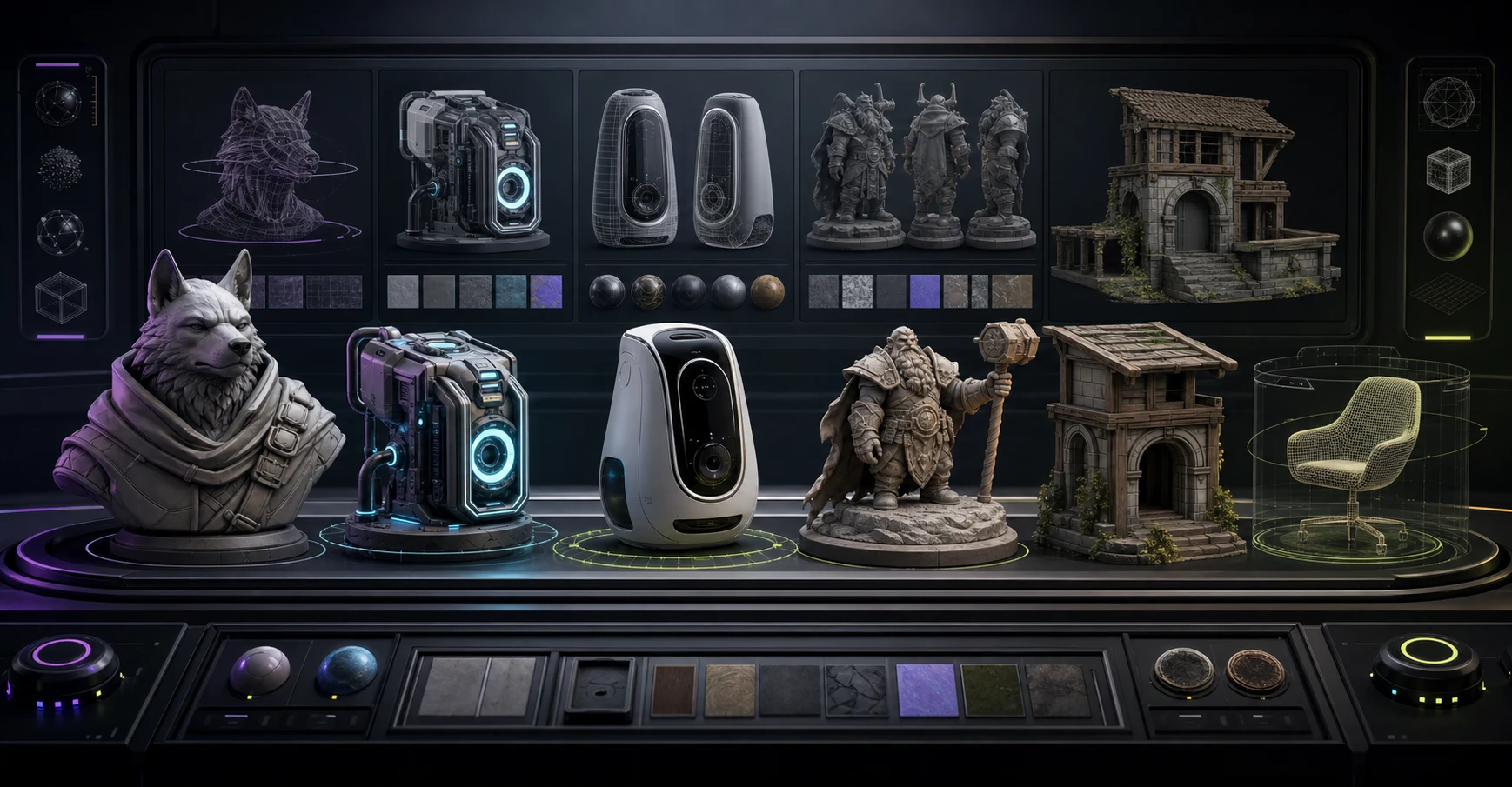
Best 3D Model AI Generator in 2026 (Verdict)
The best 3D model AI generator in 2026 depends on what you are making, but the short verdict is this: Meshy AI is the best for the full pipeline (generate, texture, rig, and export in one platform), Tripo AI is the best all-around for mesh quality at the lowest price, and Rodin (Hyper3D) is the best for production-ready hero assets. For genuinely free use, self-host Hunyuan3D or Microsoft Trellis 2.
If you want the deeper, tool-by-tool breakdown, our complete comparison of AI 3D model generators ranks ten tools head to head. This page answers the literal question: which one is the best, and for whom.
Last reviewed: July 2026. AI 3D tooling ships new versions every month. Always confirm pricing on the official site before subscribing.
The Verdict at a Glance
There is no single best 3D model AI generator for every project. The right pick depends on your output target, budget, and whether you need a finished asset or a fast concept. Here is the verdict by use case.
| Use Case | Best AI 3D Generator | Starting Price | Why It Wins |
|---|---|---|---|
| All-around mesh quality | Tripo AI | $11.94/mo | Clean quad topology, accurate proportions, lowest entry price |
| Full pipeline (one platform) | Meshy AI | Free tier / $20/mo | Generate, texture, auto-rig, and export to any engine |
| Production-ready hero assets | Rodin (Hyper3D) | Free to generate, pay-per-download | Cleanest topology and full PBR, closest to shippable |
| Free and open source | Hunyuan3D | Free (self-hosted) | Rivals paid tools on hard-surface shapes |
| Free local control | Microsoft Trellis 2 | Free (self-hosted) | MIT licensed, strong image-to-3D, runs in ComfyUI |
| Free cloud concepting | LumaLabs Genie | Free | Fast, zero setup, good for exploration |
For most people reading this, the daily driver is Meshy or Tripo, with Rodin reserved for the one asset that has to look perfect.
How We Picked the Best
We tested each generator against the same reference images and text prompts across five categories: products, characters, architecture, hard-surface mechanical parts, and organic objects. Every tool was scored on six criteria.
- Output quality: topology (quad vs triangle, edge flow), texture fidelity, and completeness of the PBR map set (albedo, normal, roughness, metallic)
- Speed: time from prompt or image to a downloadable mesh
- Export formats: FBX, GLB, OBJ, STL, USDZ, BLEND, plus direct Unity, Unreal, and Godot plugins
- Pricing transparency: free tier size, credit math, and cost per usable asset
- Ease of use: setup friction, UI clarity, learning curve
- Best-fit use case: where each tool genuinely outperforms the others
We cross-referenced the 2026 Google search results, community discussions on Reddit (r/gamedev, r/3Dmodeling), the three.js discourse forum, and independent YouTube benchmarks. As the PixelArtistry benchmark series concluded after testing every major generator: the best 3D AI generator depends on what you are creating. That matches our testing, which is why this guide names a best per use case instead of crowning one winner.
Best Overall: Meshy AI
Meshy is the best all-around choice in 2026 because it is the only tool that covers the full pipeline inside one dashboard. You can go from a text prompt or a single image to a textured, auto-rigged, engine-ready asset without juggling subscriptions or exporting between five different apps.
Why it wins overall:
- Text-to-3D, image-to-3D, and multi-view-to-3D all in one place
- AI texturing and 500+ game-ready animation presets you can apply in one click
- Auto-rigging built in, no separate tool needed
- Direct export to Unity, Unreal, Godot, and Roblox, plus Blender, Unity, and Unreal plugins
- The widest format support on the market: FBX, GLB, OBJ, STL, 3MF, USDZ, BLEND
The trade-off: topology often needs cleanup before production use, and the higher tiers get expensive quickly. The free tier gives you 200 credits per month, which is enough to evaluate the tool but not enough for a real production run.
Travis Vermilye, a 3D animator with over 20 years of experience in medical and scientific visualization, tested Meshy alongside every major competitor and concluded that "this is one of the best 3D AI modeling tools available right now," noting it is the fastest generator he tried and produces more realistic object models than most alternatives.
Verdict: If you want one subscription that handles the entire workflow from prompt to rigged, animated, exported asset, Meshy is the answer. See our guide to making textures for 3D models for how to push Meshy's texturing output further.
Best All-Around Quality: Tripo AI
Tripo AI is the generator most often called "the best overall" for pure mesh quality, and the reputation holds up under testing. It produces high-quality meshes with accurate proportions and genuinely good textures, especially for organic character models.
Why it wins on quality:
- Clean quad topology usable in engines without retopology
- Auto-rigging via Uni-Rig on paid tiers
- Stylized output modes including LEGO, voxel, and cartoon
- Turbo mode generates in 5 to 30 seconds
- Lowest entry price in the paid category, starting at $11.94/mo
The trade-off: the monthly credit allowance is lower than Meshy at the same tier, the high-detail mode (up to 2 million polygons) takes around 100 seconds, and FBX export is locked behind the higher tiers.
Verdict: Tripo is the safest default. Game developers, 3D printing hobbyists, and character artists who want the best mesh quality per dollar should start here. For a deeper look at turning 2D art into 3D, see our image-to-3D workflow guide.
Best for Production-Ready Assets: Rodin (Hyper3D)
Built by DeemosTech, the team behind the SIGGRAPH-recognized CLAY and Bang research papers, Rodin is the tool that comes closest to delivering a shippable asset straight out of the generator.
Why it wins for hero assets:
- Clean quad topology with 18K and 50K mesh density options
- Full PBR texture set (albedo, normal, roughness, metallic) auto-generated
- T-pose and A-pose enforcement for characters, critical for downstream rigging
- Multi-image fusion and multi-view reconstruction
- Free to generate, you pay only when you download
The trade-off: generation takes 2 to 5 minutes (the slowest on this list), auto-rigging is still listed as coming soon, and the Business tier jumps to $120/mo after the first discounted month.
Verdict: When you need one final hero asset to ship, a virtual human, a product render, or a close-up cinematic prop, Rodin is the tool. Its geometry holds up under rigging, modification, and tight camera framing in a way no other generator matches in 2026.
Best Free and Open Source: Hunyuan3D and Trellis 2
If you refuse to pay a subscription, two open-source models rival the paid tools.
Hunyuan3D by Tencent is the open-source champion. Self-host it on a capable GPU and you get output that rivals proprietary tools, particularly on hard-surface shapes (mechanical objects, buildings) with sharp edges and geometric precision. It uses a two-stage mesh and texture synthesis pipeline and supports image, text, and sketch input.
Microsoft Trellis 2 is a 4-billion-parameter model, MIT licensed, that generates at 512-cubed resolution in around 3 seconds with full PBR materials. It exports to GLB, OBJ, PLY, and 3D Gaussians. It is the best free option for local control and strong image-to-3D quality.
The trade-off for both: you need a capable GPU (an RTX-class card or better) and the patience to set up ComfyUI or a local inference environment. Neither tool ships built-in rigging or animation. For the full setup walkthrough, see our Trellis 2 ComfyUI guide.
Verdict: For technical users who want full data control, zero per-asset cost, and quality that genuinely competes with paid tools, Hunyuan3D or Trellis 2 is the answer. For everyone else, LumaLabs Genie is the easiest free cloud starting point.
How to Choose the Right One for Your Project
Pick based on what you are actually shipping.
You are a game developer. Start with Tripo AI for the best mesh quality per dollar, then layer Meshy on top for the animation presets and engine plugins. Tripo handles characters and organic shapes; Meshy handles the pipeline glue.
You are a product designer or need one perfect asset. Use Rodin. The topology and PBR quality hold up in close-up product renders and under modification in a way no other tool matches.
You are a 3D printing hobbyist. Tripo or Meshy both export clean STL and 3MF files. Tripo's hard-surface quality is slightly better; Meshy's format support is wider.
You are concepting and exploring. LumaLabs Genie is free, fast, and requires no setup. Move to a paid tool once you know what you want.
You refuse to pay or need full local control. Self-host Hunyuan3D or Trellis 2. Both rival paid tools if you have the GPU.
You want the simplest single subscription. Meshy covers the most ground in one platform.
If you are new to 3D entirely and want the foundations first, start with our complete guide to making a 3D model before picking a generator.
Pricing at a Glance
Pricing is the factor that surprises most first-time buyers, because every tool uses a different credit model. Here is what you actually pay per usable asset in 2026.
| Tool | Free Tier | Paid Entry | Cost Model | Best For Budget |
|---|---|---|---|---|
| Meshy AI | 200 credits/mo | $20/mo (Pro) | Credits per generation | Indie devs wanting one subscription |
| Tripo AI | Limited free trial | $11.94/mo (Pro) | Credits, lowest entry | Best quality per dollar |
| Rodin (Hyper3D) | Free to generate | $24/mo (Creator, 30 credits) | Pay-per-download | One-off hero assets |
| Hunyuan3D | Free (self-hosted) | $0 | Compute cost only | Technical users with a GPU |
| Trellis 2 | Free (self-hosted) | $0 | Compute cost only | Local control, no limits |
| LumaLabs Genie | Free | Paid tiers available | Credits | Free concepting |
A useful rule of thumb: a single usable, textured, downloadable asset from a paid tool costs roughly $0.50 to $2.00 depending on your tier and how many refinements you run. Free open-source models cost nothing per asset but require electricity and a capable GPU, which has its own upfront price.
Common Mistakes When Picking a Generator
After watching buyers choose (and regret) tools for a year, four mistakes repeat.
Picking on marketing screenshots alone. Every generator's homepage shows its best output. Always run your own reference image through the free tier before subscribing. The gap between marketing assets and your average input is where most disappointment lives.
Ignoring topology. A model can look beautiful in a preview render and be unusable in a game engine because the mesh is all triangles with bad edge flow. If you are shipping to Unity, Unreal, or Godot, prioritize tools that output clean quad topology (Tripo, Rodin). If you only need a static render or a 3D print, topology matters less.
Underestimating the texturing step. Generating the geometry is half the work. The other half is PBR textures (albedo, normal, roughness, metallic). Tools that skip or skimp on textures cost you hours of manual texturing later. Meshy and Rodin both ship full PBR sets, which is a major reason they rank at the top.
Buying the highest tier immediately. Most users never exhaust a Pro tier's monthly credits. Start at the entry paid tier, measure your actual usage for a month, then upgrade only if you hit the ceiling.
What About ChatGPT and General AI Models?
A common follow-up question is whether ChatGPT or a general-purpose AI can generate 3D models directly. The answer is no. ChatGPT can write Python or Blender scripts that produce procedural geometry, and it can describe how to model an object step by step, but it does not output a mesh file. To get a 3D model from a prompt, you need a dedicated AI 3D generator. The tools on this page are purpose-built for exactly that conversion, and they outperform general LLMs on mesh quality, topology, and texture by a wide margin.
The Bottom Line
The best 3D model AI generator in 2026 is not one tool. It is a short list picked by use case. Meshy wins for the full pipeline, Tripo wins for all-around mesh quality at the lowest price, Rodin wins for production-ready hero assets, and Hunyuan3D or Trellis 2 wins for free, self-hosted use. Pick the one that matches what you are shipping, and you will not go wrong.
For the complete ranked comparison of all ten major generators with full pricing tables and per-tool strengths, see our best AI 3D model generators hub. For due diligence on individual platforms, our independent 3D AI Studio review covers real plan prices, credit costs, and trust signals.
Run it yourself in Trify3D
Keep reading from this topic
AI Texture Generator Tools Compared (2026): 7 Picks by Use
AI texture generator tools compared: Substance, Meshy, Tripo, Polycam, WithPoly, Scenario, Trify3D — what each does and a decision table by workflow.
Reviews3D AI Studio Review: Pricing, Credits & Verdict
Independent 3D AI Studio review: real plan prices, credit costs, trust signals, and Meshy vs Tripo comparisons before you subscribe.
ReviewsWhat Is MiniMax H3 Max? Fal's Faster H3 Explained
MiniMax H3 Max is fal's post-trained, speed-optimized version of MiniMax H3. Here is how it hits 35x throughput, what it costs, and when to use it over stock H3.